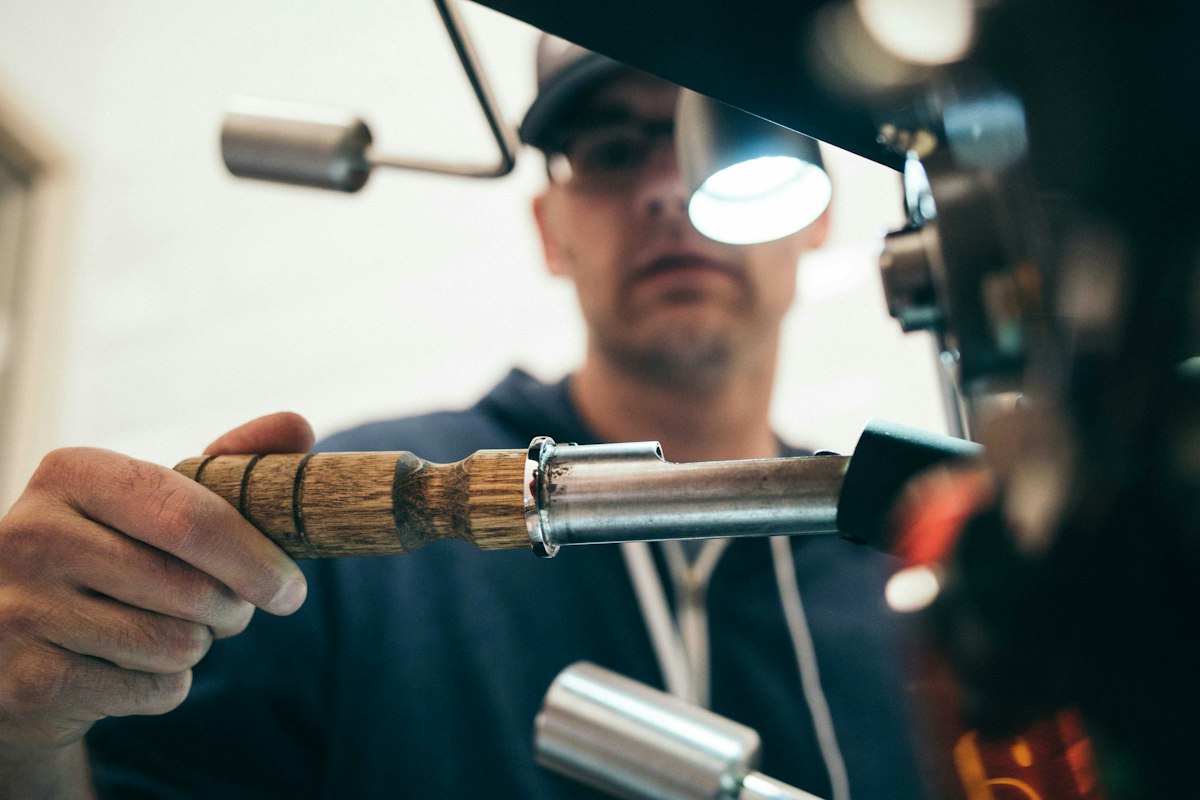
Speed
Show current speed as you move, plus session tracking for max speed so viewers can see how hard the ride got.
Turn your iPhone into a GPS action camera with live speed, elevation, heading, and map overlays burned into every frame.
Get it on the App StoreUses data from your device's GPS and telemetry sensors to generate overlays. No need for compositing in post as these overlays are embedded into your video as you record!
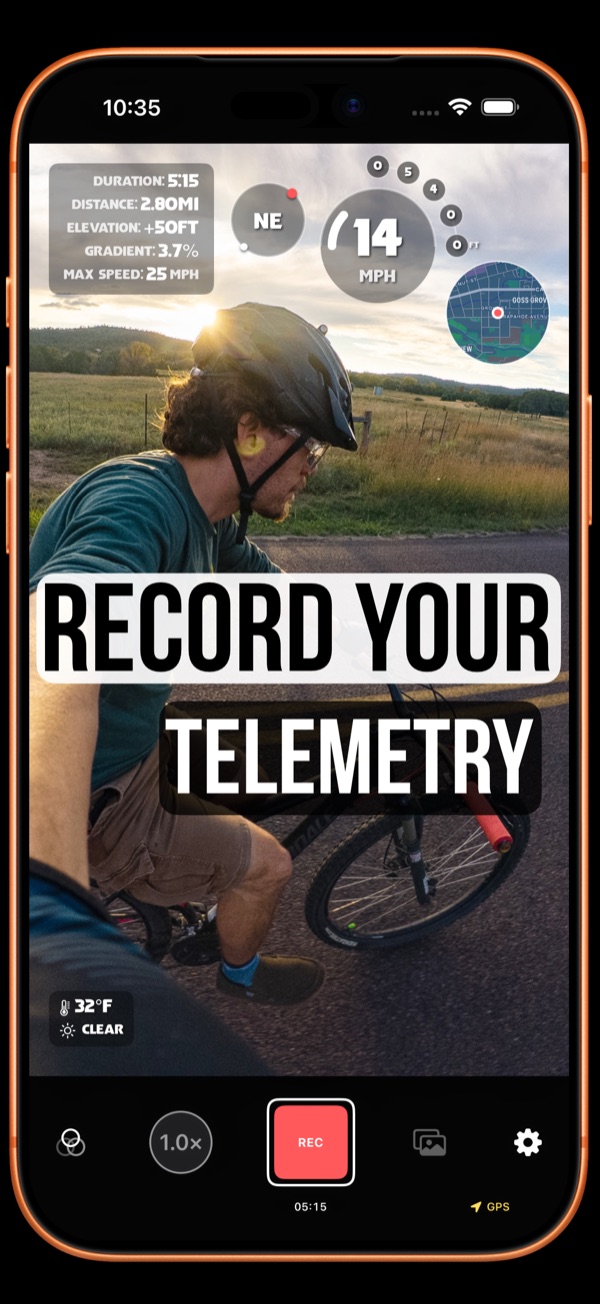
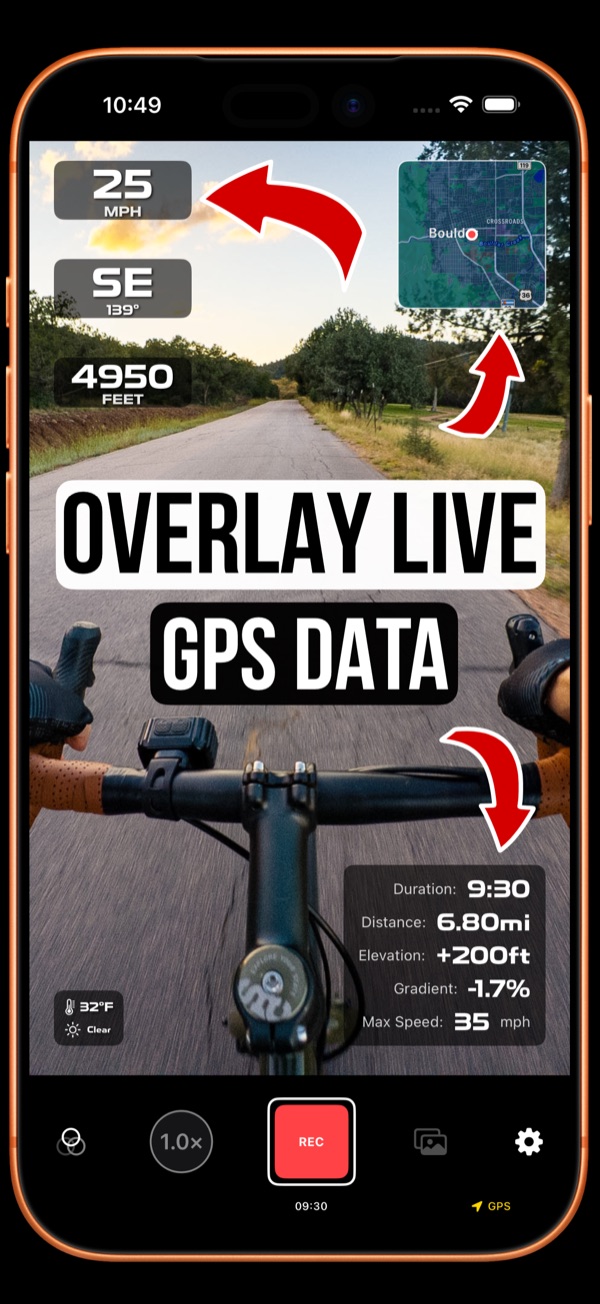
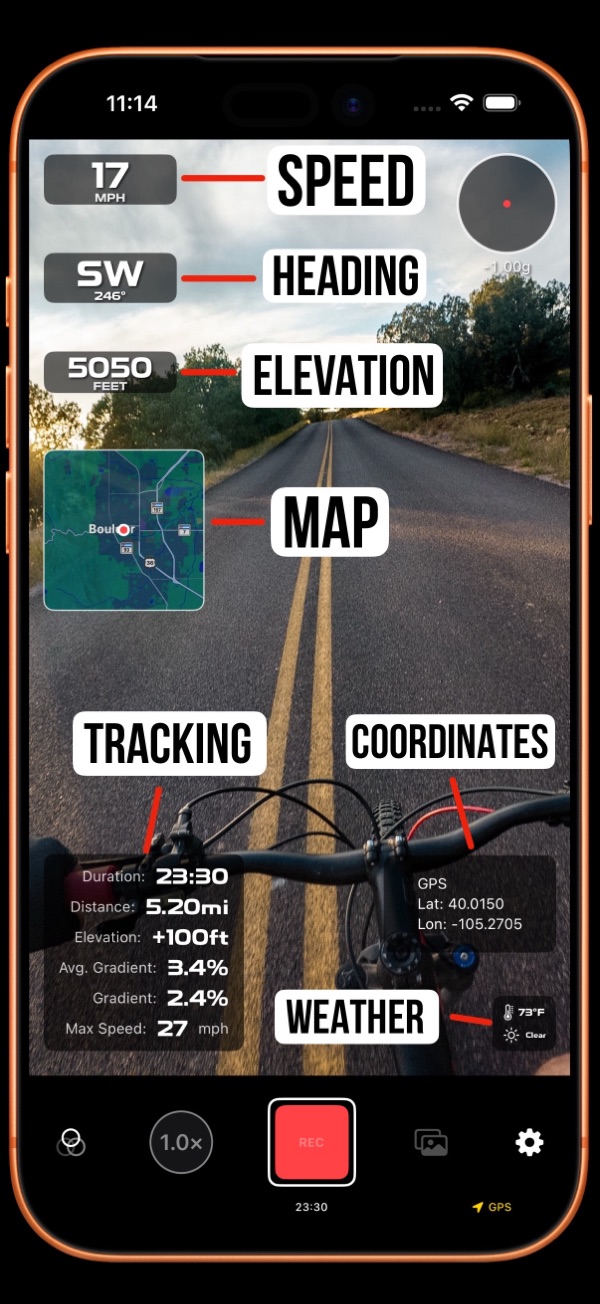
Select from templates and presets to quickly get beautiful layouts, and then customize as desired with almost endless options. Save your settings as a preset for back-up and sharing!
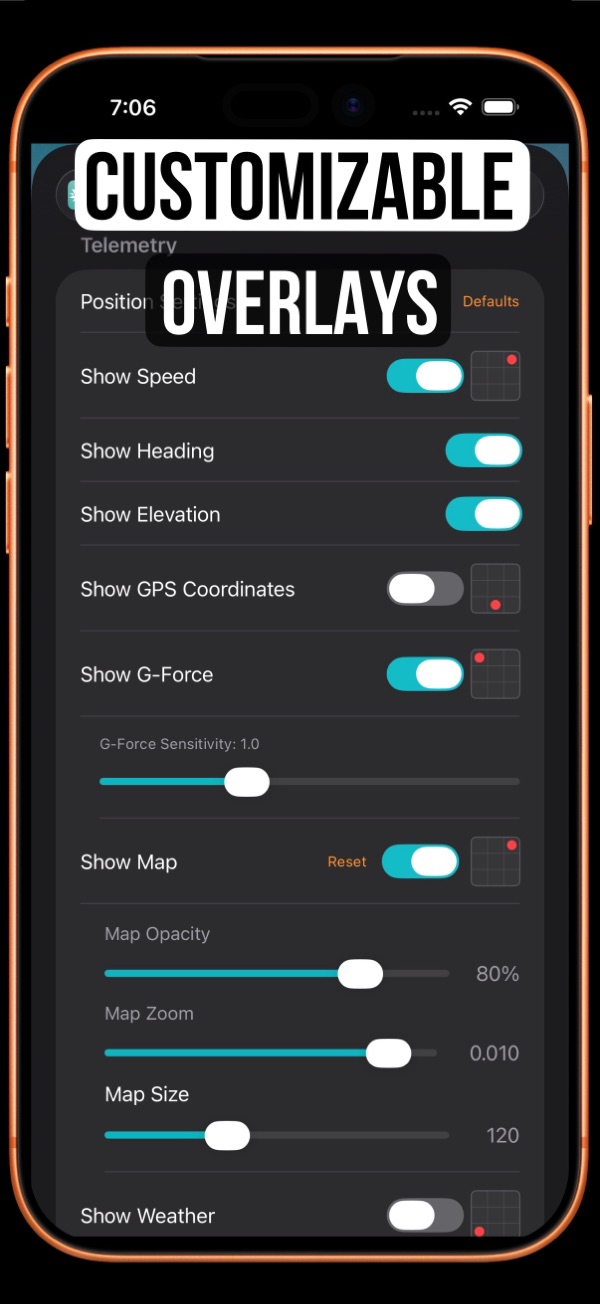
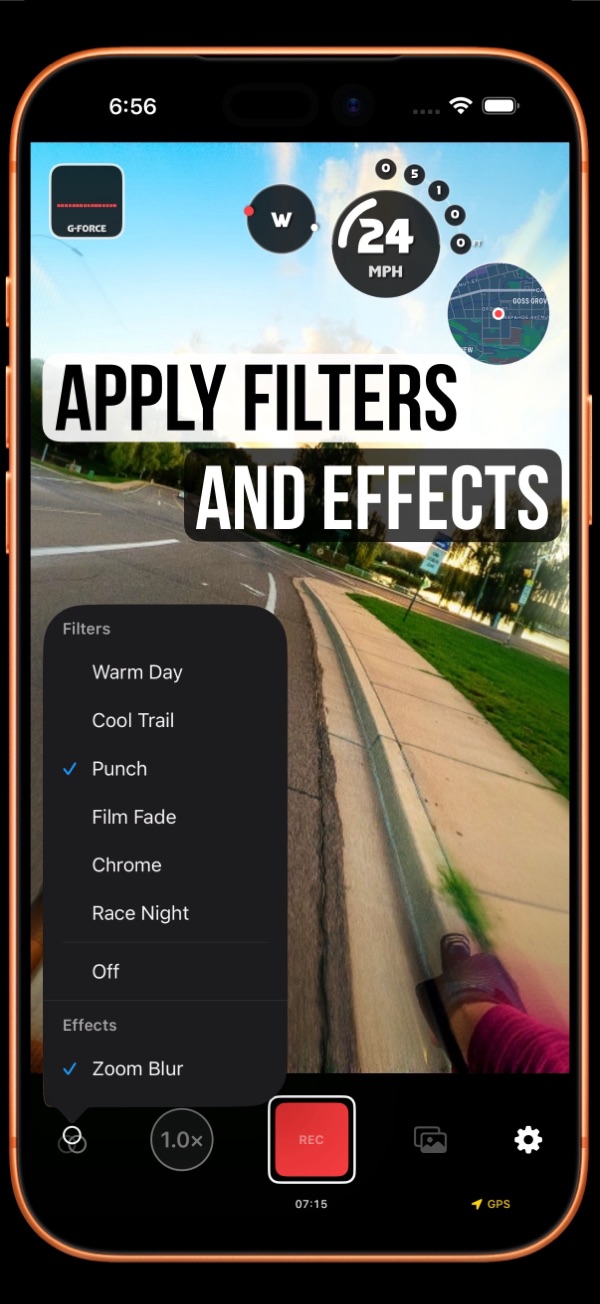
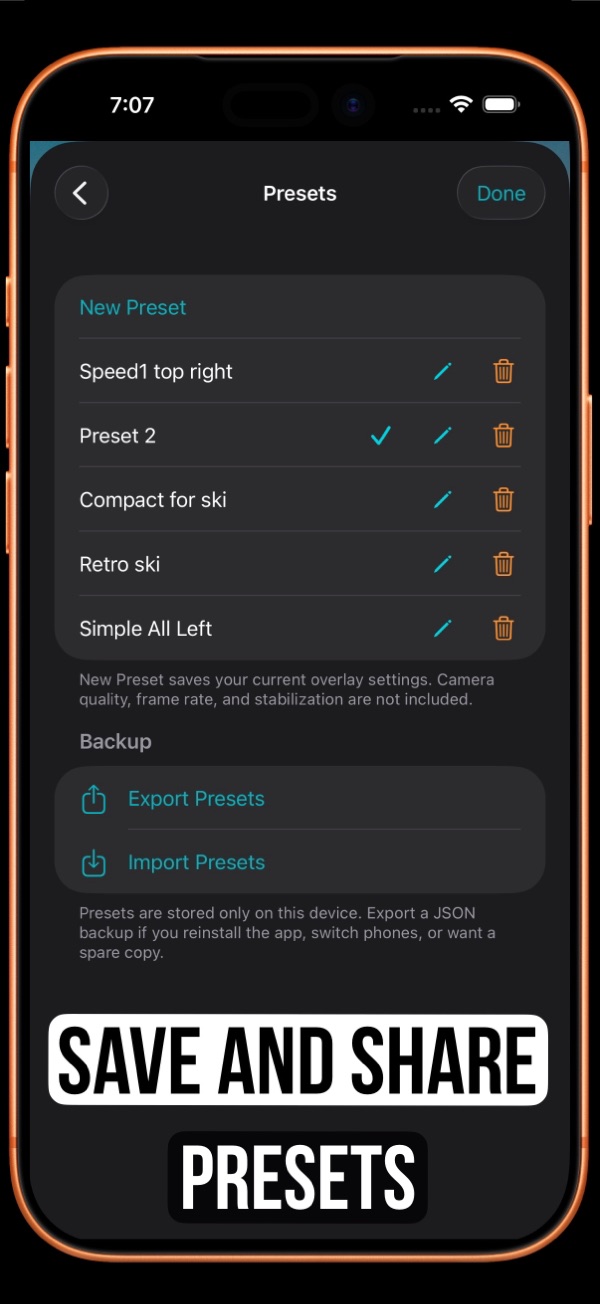
Live telemetry overlays embedded directly in your video—no post-editing required.
Show current speed as you move, plus session tracking for max speed so viewers can see how hard the ride got.
Display live altitude along with elevation gain over the session—perfect for climbs, descents, and mountain routes.
Overlay your direction of travel so every turn, bearing, and change of course is clear on camera.
Track the current slope in real time, plus average gradient for the session so steep sections and overall grade are easy to read.
Keep a running distance total for the recording so viewers always know how far you’ve gone.
Show your live position and route on a real-time map overlay with adjustable size, opacity, and placement.
Add accelerometer-based G-force readings for acceleration, braking, and cornering moments that look great on screen.
Include live weather and temperature context so conditions are part of the story, not an afterthought.
Overlay GPS coordinates and accuracy indicators when you want precise location data in the frame.
Built for outdoor footage where motion tells the story.
Guides, answers, and deeper feature explanations.